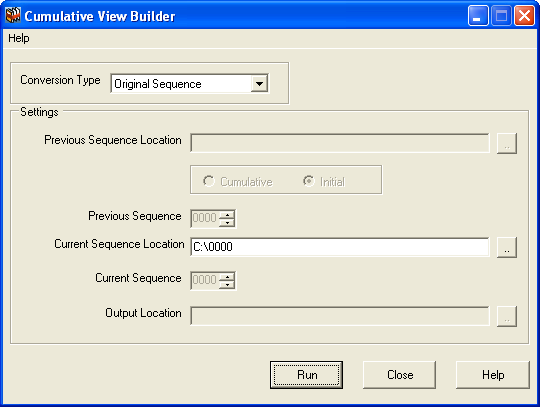
This topic describes the procedure to prepare an original sequence for submission using CVB
To prepare your 0000 sequence for submission:
-
In the
Cumulative View Builder window, click the
Conversion Type arrow.
-
To create your inital
jp-regional-index.xml and
index.xml files, choose
Original Sequence.
- When Original Sequence is selected,
Current Sequence Location becomes the only active field in CVB.
- CVB sets the
Initial option by default, in order to build onto an XML backbone that is the first backbone (the xlink:href attributes are relative to the XML files and do not include the sequence numbers).
-
Click the
Current Sequence Location browse button to locate the folder containing the current noncumulative XML files, and then select the sequence number directory for the current sequence.
-
Click
Run.