New Assembly Tree: Features
With the new version of the Assembly Tree, you can drag assembly elements to place them between Assembly Tree nodes and also filter the Assembly Tree elements using the new Assembly Tree search option.
You can perform the following actions within the New Assembly Tree:
- Use the drag-and-drop feature to move the Assembly Tree elements within an Assembly Tree.
Drag-and-Drop Folder Drag-and-Drop Leaf 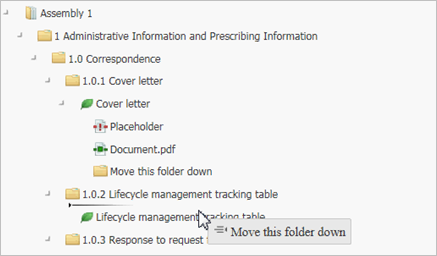
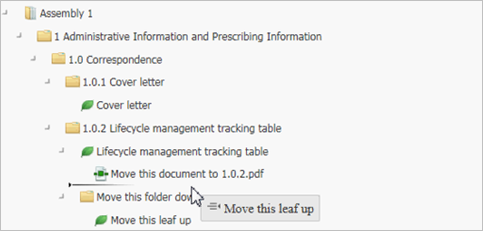
Drag-and-Drop Document Drag-and-Drop Placeholder 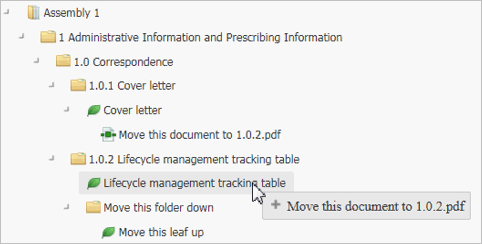
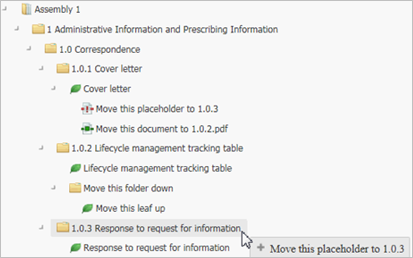 Note: Only a single node can be moved.
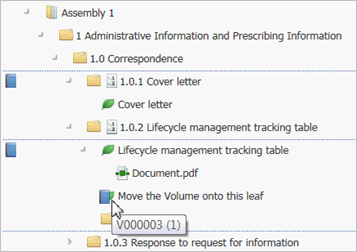
 - Use the drag-and-drop feature to move volumes and TOCs onto the Assembly Tree elements.
Drag-and-Drop TOC Drag-and-Drop Volume 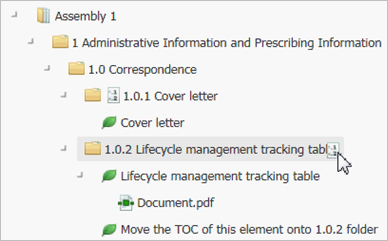
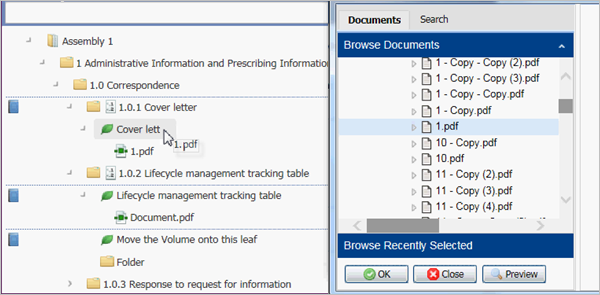
- Use the drag-and-drop feature to add folders, documents, and leafs from the
DMS Browse and
Browse Assembly windows to an Assembly Tree.
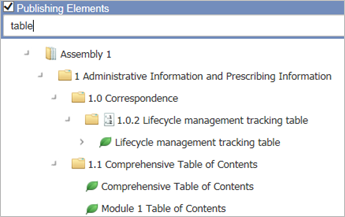
- Use the
Search option to filter the Assembly Tree elements by the text entered in the
Search field.
As an additional feature, you can select for an Assembly that has a complicated structure and contains an extensive amount of elements. A confirmation prompt appears and you can confirm that you want to proceed.
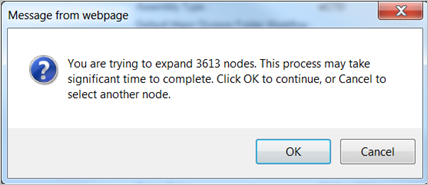
See Limiting Assembly Tree Expand Range.