Modify Volumes
While you can change a volume's name and override the default, any changes to volume ordering (or the inclusion of new volumes) overwrites the change. Calyx RIM numbers the volumes correctly based on their order. If you overwrite a volume name, you can lock the volume to prevent additional changes.
To modify a volume:
-
In the assembly, click on the volume
 you want to modify.
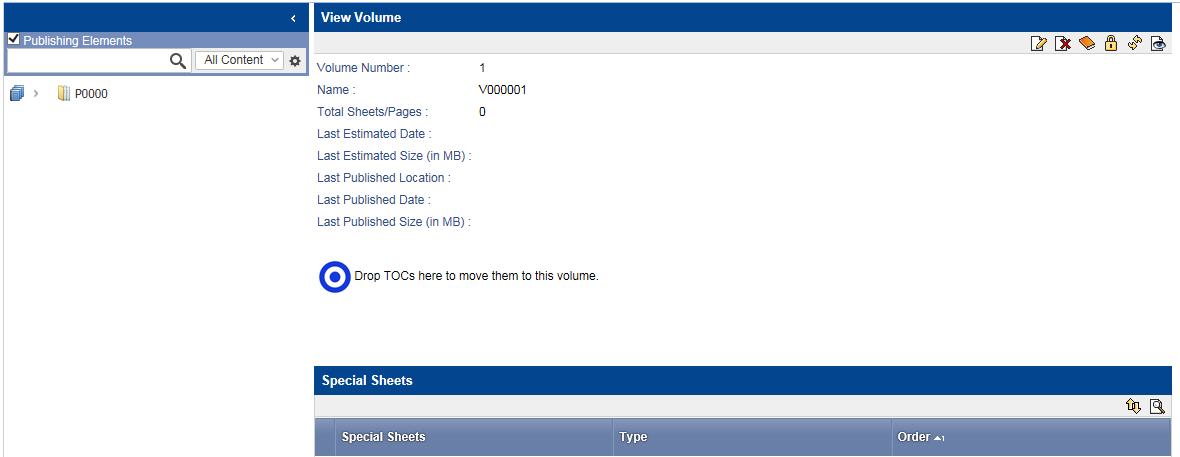 The View Volume page appears.
 -
Click
 .
.
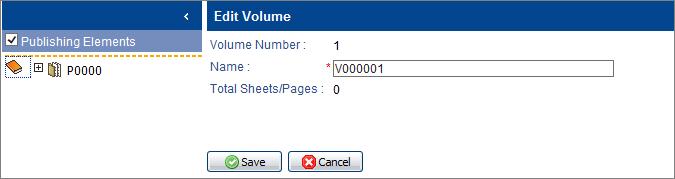 The Edit Volume page appears.
 -
To protect the volume name from changes, click
 .
A message prompts you to confirm the lock.
.
A message prompts you to confirm the lock. -
Click
OK.
The volume icon changes to:
