File Bookmarks
All final output files that span the range of a TOC contain their original bookmarks, and those bookmarks are used in the PDF output.
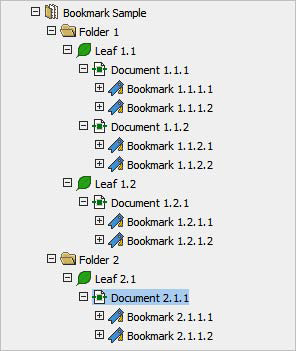
If multiple files are combined, they contain the bookmark trees of all source documents, plus a bookmark representing the document.
As shown in the example image, if you select File Bookmarks Only for all TOCs the final files contain the following (which is also the default for files that do not have tables of contents defined).