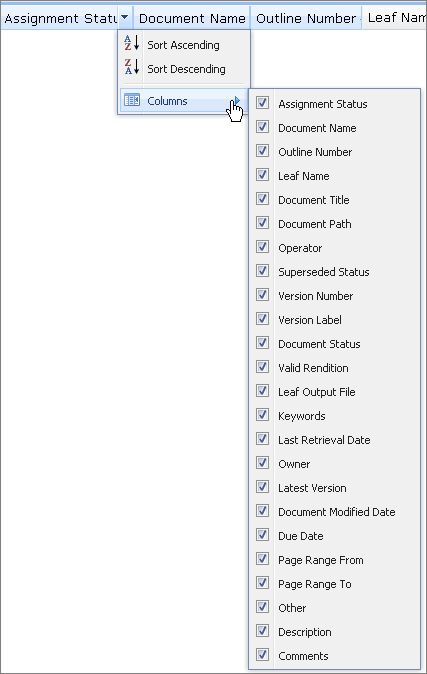
Select Document List Columns for Display
By default, all of the available columns are displayed in the generated Document List. You can choose to view fewer columns by opening the Columns list and clearing the check boxes next to the column names. To add an omitted column back to the Document List view, select the check box for that column.