Associating a Substance with a PDS
You can associate a Substance with the PDS by choosing among the available types. Two substance types are available for you to choose by default - Excipient and Adjuvant. You can create and use your own types.
To associate substance with a PDS:
-
After associating substance with a PDS, you can associate a manufacturer with the excipient or adjuvant. See the topic Associating a Manufacturer for more information.
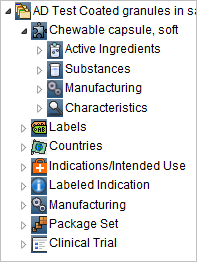
When associating a substance to a component, you define the role that the substance serves in the delivery of the component.
For PDS and PDS Template you can add, delete or modify:- Manufacturing Process under substance detail
- Step under manufacturing process
- Function under step
- Manufacturer under function
- Material under step
- Manufacturer under the material
- Function under manufacturing process
- Manufacturer under function