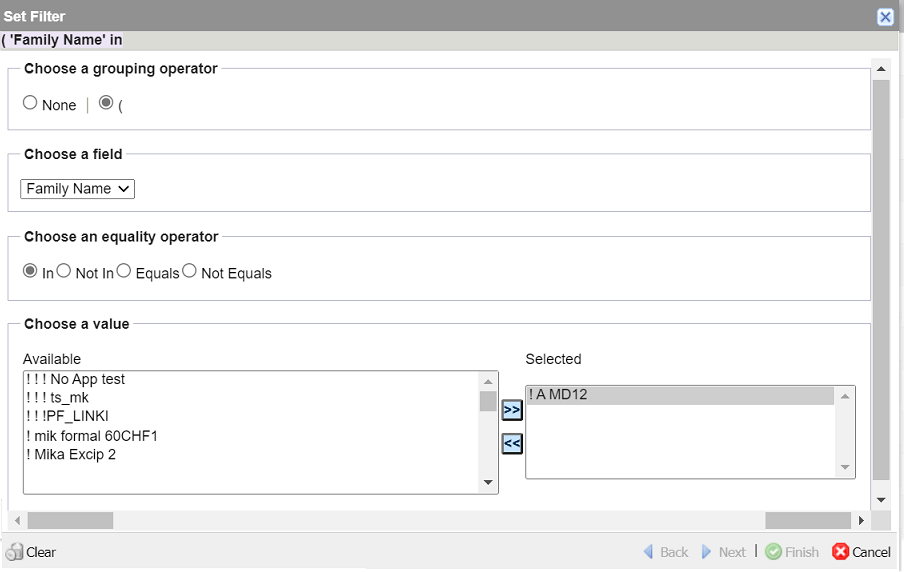
Set Filter
The Set Filter option offers flexibility in its ability to locate and quickly access entity-specific information stored in Ennov InSight based on the selected settings.
The Set Filter option is available on several tabbed pages, such as Product Families, Registrations, Events, and others.
The Set Filter dialog box, which is invoked by clicking the Filter icon on tabbed pages, offers the same filter setting capability as the Querying option available through the Go To menu. The difference is that filters for Querying are applied to queries, rather than entity-specific items listed on a tabbed page.
As you make selections, additional options become available. You may use drop-down lists, radio buttons, multi-select fields, or text boxes to build the filter.
As the filter is developed by selecting options, text appears in the field at the top of the dialog box showing the filter statement. This information is read-only. The portion of the filter under construction is highlighted for reference.