Support for Okta API
Follow this procedure to create an Okta application using the Okta API.
The API can be used in two ways:
- Login as Data Exchanger user
- Login as an Existing user
-
Log on to Okta.
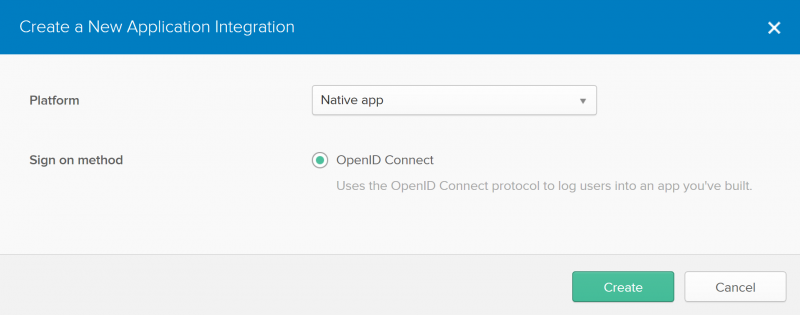
Create a New Application Integration page appears.
-
To create a
Native Okta Application, click
Create.
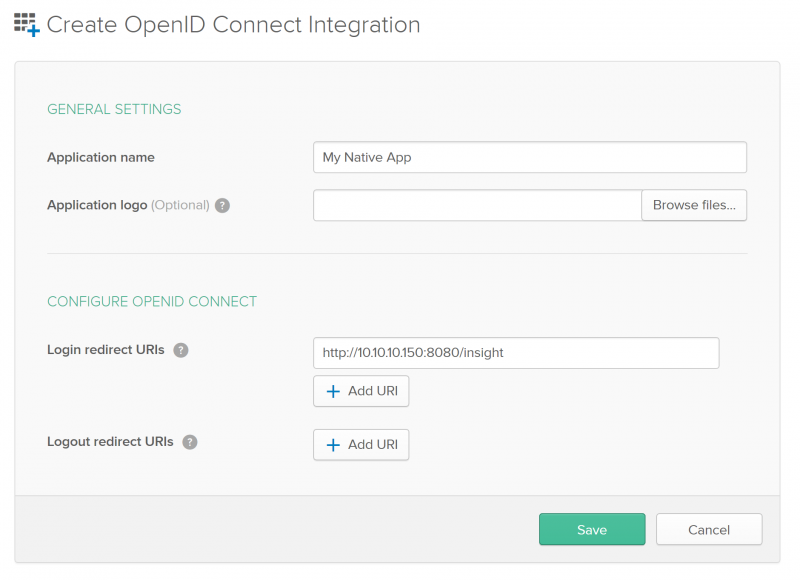
The Create OpenID Connect Integration page appears.
-
Save.
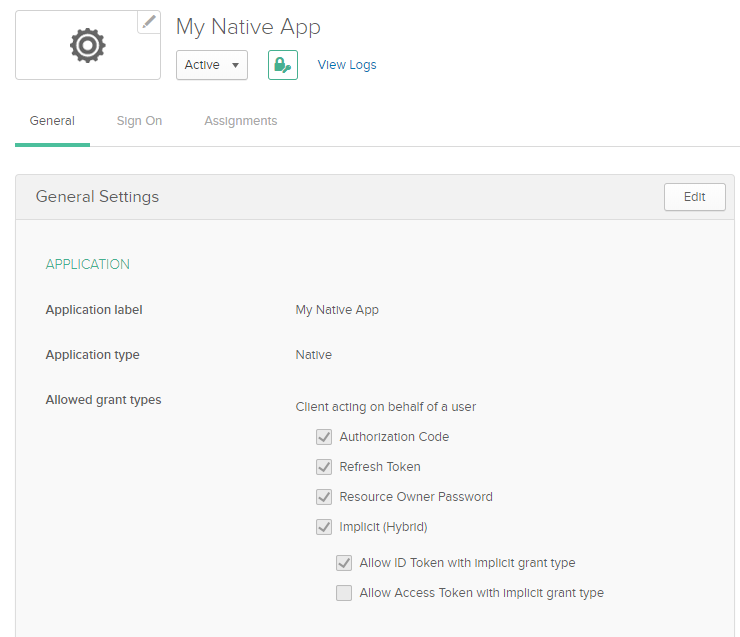
Your Native App is created.
-
Click
General.
-
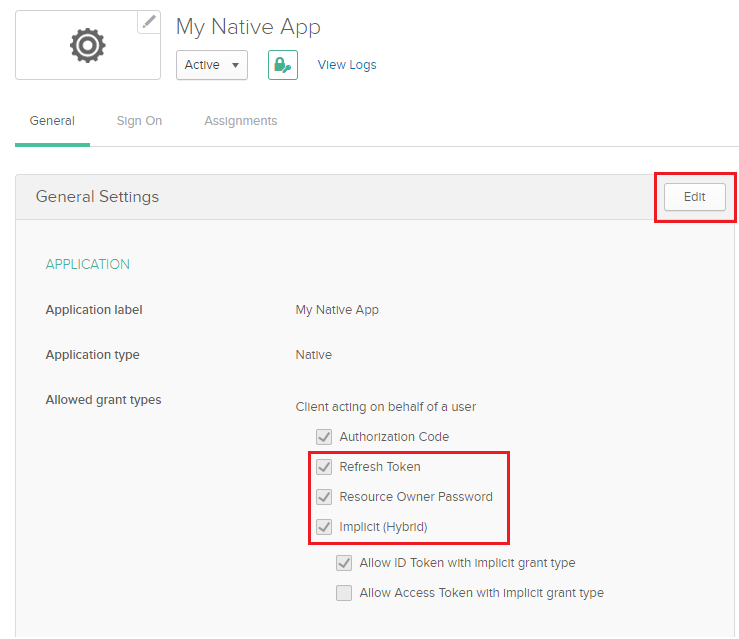
Click
Edit and select the (Refresh Token,
Resource Owner Password, and
Implicit) options on the General Settings page.
