Enable PingOne E-signature
E-signature functionality is available for a PingOne Identity Provider (IdP) in Calyx RIM.
Administrator role permissions are required to perform this task.
E-signatures via PingOne IdP work in the same way as e-signatures for Azure SSO, so the "username" and "password" field references should not be included in the Field Group that you are about to activate.
To enable e-signatures for PingOne IdP:
-
In the meta.overrides.xml file, remove the comment tags from all lines except the eSignature fields, as shown in the following image.

E-signature example
Completing the required fields and selecting a Reason enables you to apply your e-signature.
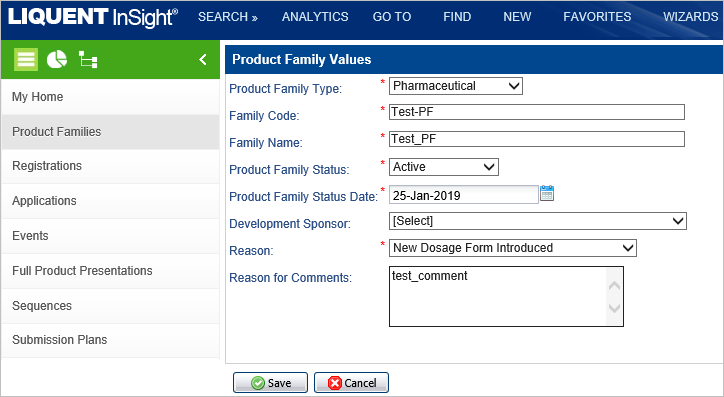
After completing the form with a Reason selected, clicking Save opens the PingOne login to apply your e-signature.