Hyperlinks
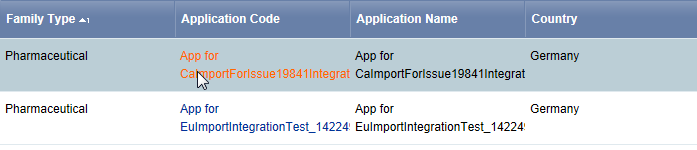
Hyperlinks (also called links in this documentation) appear as blue text to differentiate them from regular text. As you position the pointer over a blue text link, it changes color. When you click the link, you are sent to the target page.
In the following image, the values in the Application Code column are links. These links open the Application Attributes page for the selected application name.