Hide Columns
In a table, you can customize the column width, the column position, and whether the column is hidden or displayed.
-
Select or clear the check boxes to show or hide columns.
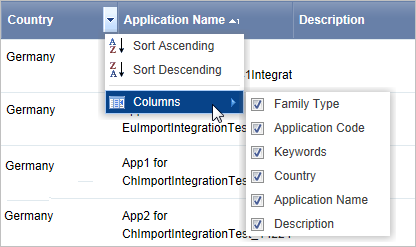 Selected columns are shown, cleared columns are hidden.