View TOC Entry Text
You can view the text for a TOC entry to verify it.
To view TOC entry text:
-
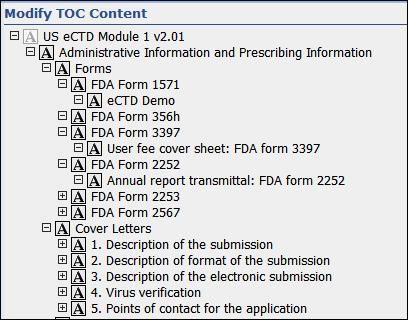
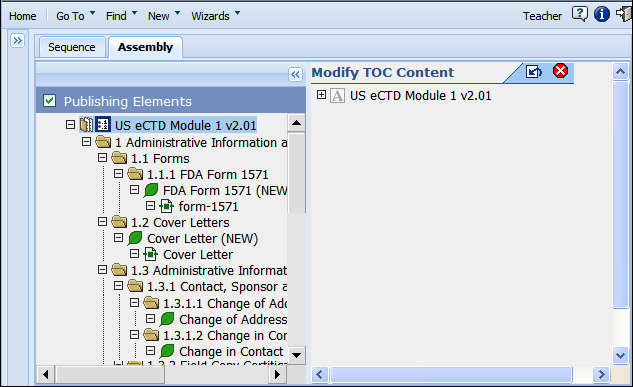
In the assembly, select a TOC and click
Modify TOC Content to view the
Modify TOC Content page.
-
To expand the TOC content of any node with children (other than the root TOC content node) click
Expand or right-click and select
Expand Range. To collapse the TOC content of a node with children, click
Collapse.