View a Product Detail Set (PDS) through an Event
Best practices for Calyx RIM recommend that you navigate to view a PDS by way of an event, that is, you should first navigate to an event and then select to view the PDS from the Event page. By doing so, Calyx RIM can present the status of PDS details in the context of the event.
For example, if a PDS detail was approved in Event 1, and then a change for the detail was submitted to the regulatory authority in Event 2, the status for that PDS detail in Event 1 is Approved, and Pending Modify in Event 2. By navigating through an event, Calyx RIM can provide this status information. The following images shows how Calyx RIM presents PDS detail statuses on the PDS page.
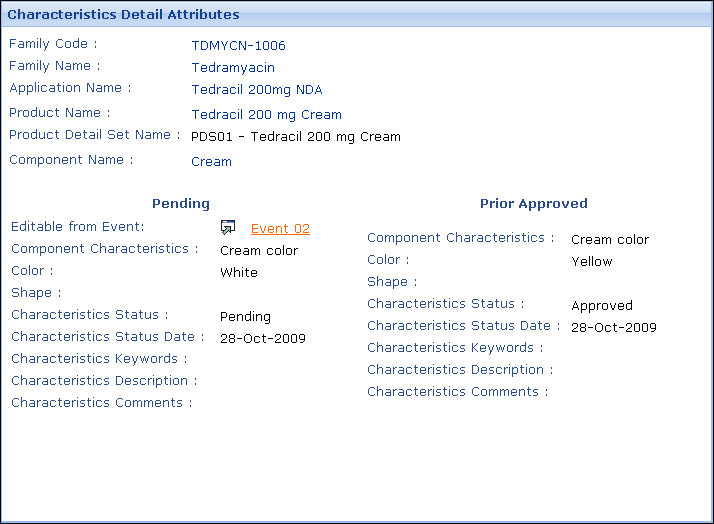
In this sample screen, the PDS is being viewed through Event 3. For the Characteristic PDS detail, the closest prior status of Pending Modify was defined in Event 2, which is shown in parentheses next to the detail in the PDS tree in the left pane. In the right pane, information about the pending status and the most current approved status are shown side-by-side. Since the PDS detail has a pending status in a prior event (Event 2), it is not editable in this event (Event 3). Therefore, Calyx RIM provides a link to the prior event in which this detail may be modifed.