TOC Hierarchy
The table of contents (TOC) is always displayed in a hierarchical, or tree view. The Module appears at the very top of the hierarchy; and Sections, Sub-sections, Node Extensions, and STF are displayed following the DTD structure.
| Item | Icon |
|---|---|
| Module | 
|
| Section/Sub-Sections | 
|
| Study Tagging File (STF) | 
|
| Node Extension (NE) | 
|
| STF: File Tag |

|
| STF: Site | 
|
| Document |

Document-specific icon based on user settings (when available).
Unknown or not defined. |
| Document Cross Reference |

|
| Operation: New | 
|
| Operation: Append | 
|
| Operation: Replace |

|
| Operation: Delete | 
|

The TOC items (Modules, Sections, Node Extensions, STF and Sites) can be expanded or collapsed in several different ways:
- Clicking
 in the TOC will expand the item.
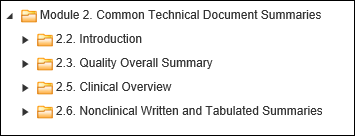
- Clicking
 in TOC will collapse the item.

- Double-clicking on the item (on text only) will expand all submission items to the document level.
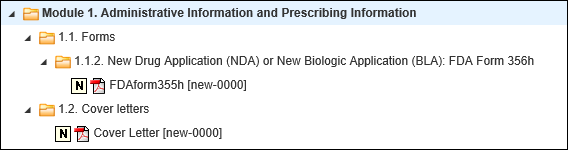
- Double-clicking on the expanded item (on text only) will collapse the clicked item.
- Selecting a document in the TOC will display that document in the document viewer. The Lifecycle and Properties information for that document will be populated in their respective windows.
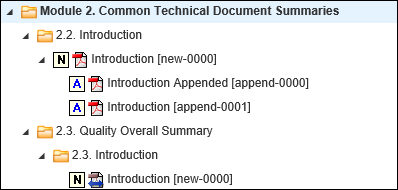
For China NMPA submissions (starting from Calyx RIM Viewing 5.5 CHF 5) a new feature that translates the names of TOC folders is included. Moving a mouse pointer over Module 1 shows the Chinese text in English and moving a mouse pointer over Modules 2-5 shows the English text in Chinese.