Comments
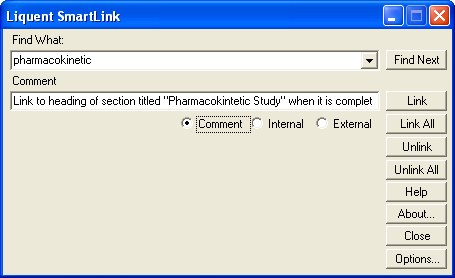
In Calyx RIM, you can include comments for in-process linking and individual cross references in Linking add-in (Word).
Comments are used to inform the publisher where a link should be when a target document, page, or heading is not yet available. When the target information becomes available, the publisher can use the Comments information to complete the link.
-
In the
Comment field, enter text describing the specific target of the link.
The Comments field accepts plain, unformatted text only. Comments can be viewed in the Link Inspector Query in InSight.