Comments
Use comments to provide information about links to a publisher.
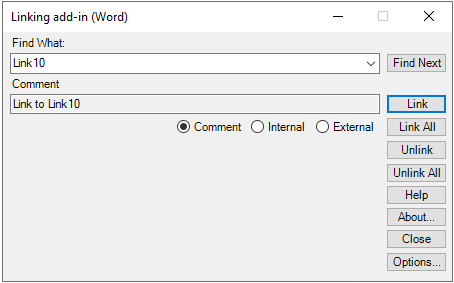
Comments are used to inform the publisher where a link should be when a target document, page, or heading is not yet available. When the target information becomes available, the publisher can use comments to create links. Include comments for in-process linking and individual cross references in Linking add-in (Word).
-
In the
Comment field, enter comments for the links.
The Comments field accepts plain, unformatted text only. Comments can be viewed in the Link Inspector Query in Calyx RIM.