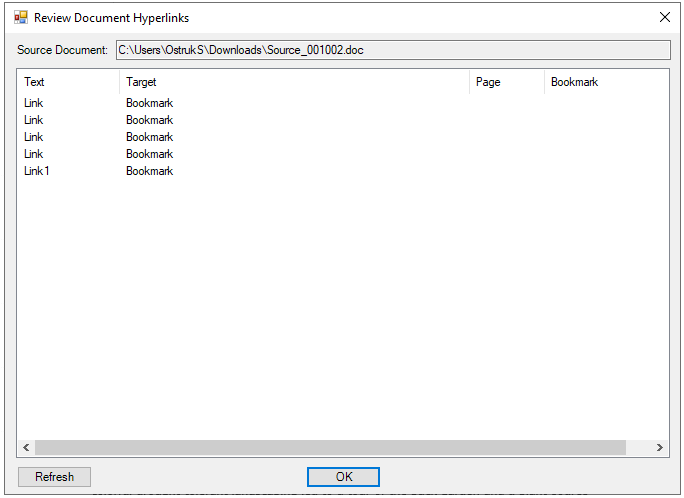
Reviewing Hyperlinks View the hyperlinks created in the source document. To review hyperlinks: In Linking add-in (Word), click Options > Review Hyperlinks. To go to the link in the source document, double-click the entry. The selected link is highlighted in the document. Related referenceReview Document Hyperlinks AttributesHomeEnter Search TextSearch OptionsReviewing Hyperlinks
Reviewing Hyperlinks View the hyperlinks created in the source document. To review hyperlinks: In Linking add-in (Word), click Options > Review Hyperlinks. To go to the link in the source document, double-click the entry. The selected link is highlighted in the document. Related referenceReview Document Hyperlinks AttributesHomeEnter Search TextSearch OptionsReviewing Hyperlinks