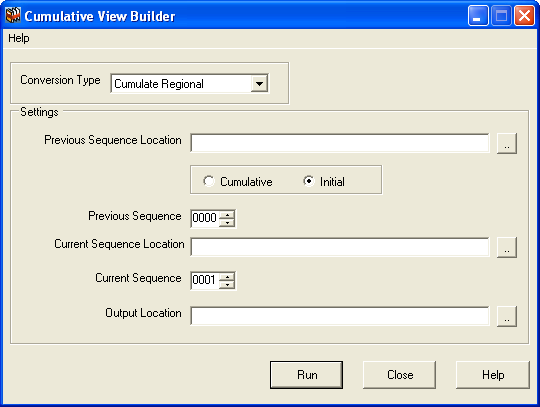
Starting Cumulative View Builder
This topic describes the procedure to start Cumulative View Builder
Use one of the following options to start Cumulative View Builder
- Click the CVB shortcut icon on your desktop:

- If you do not have the CVB shortcut icon on your desktop, using Windows Explorer double-click XMLBuilder.exe found in Program Files\LIQUENT\Cumulative View Builder
If this is the first time you have used the CVB, the location fields are blank and the sequence default values are 0000 and 0001 for the Previous Sequence Location and Current Sequence Location, respectively. If you have previously used the CVB, the last two cumulated files are displayed.