TOC Bookmarks
All final output files that span the range of the TOC contain the entire bookmark tree. For the output PDFs that fall within the range of that TOC, the bookmarks will match exactly what is shown in the generated TOC. Each TOC entry corresponds to a bookmark.
If multiple TOCs exist in this range and use this option, the TOCs are appended and the result is used as the bookmark tree. In the following example, if you select Use TOC Bookmarks for TOC #1 and TOC #2:
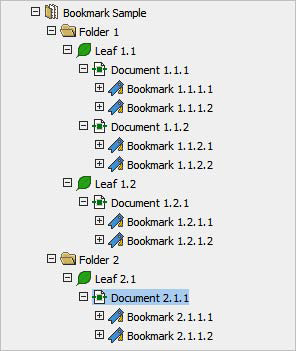
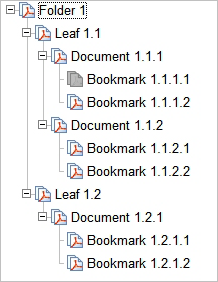
Use TOC bookmarks creates the following:
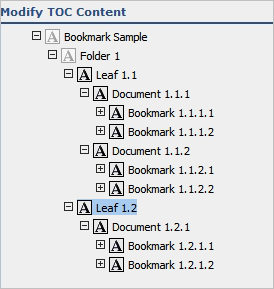
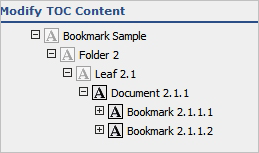
Use file bookmarks creates the following:
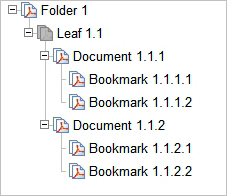
Leaf 1.1 file
Leaf 1.2 file
Leaf 2.1 file