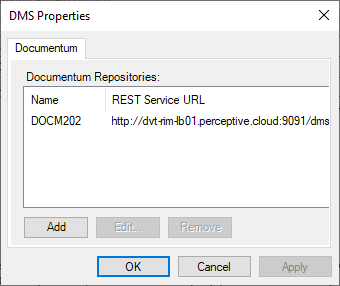
DMS Properties: Documentum
Appropriate Documentum values must be used to set up a repository to work with Linking add-in (Word).
To access a Documentum system, you must have established a
Windows Domain property on the
User's Info page in the
Documentum Administrator. You must be able to log on to your Documentum system to configure the repository.
To configure the repository:
-
In
Linking add-in (Word), click
:
Note: The Documentum repository name configured here must match the Repository Name in Calyx RIM Technical Administration.