Link Stamper
-
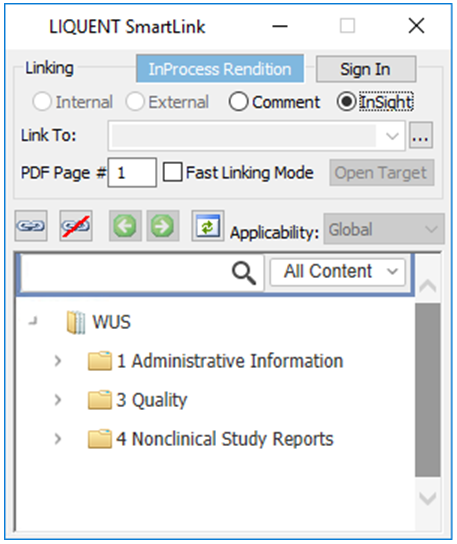
With the
Fast Linking option selected, a Linking plug-in (PDF) hyperlink is immediately created with the settings defined in the
Link Stamper dialog box when you create the bounding box.
It is not necessary to click the Link button after drawing the bounding box to create a link. This feature enables you to quickly create multiple links to the same target destination with the same link appearance attributes.Note: Selecting Keep SmartLink on top of Acrobat keeps the Link Stamper dialog box on top of Acrobat as you create and edit links. Otherwise, the dialog box will minimize and restore itself each time it is used.