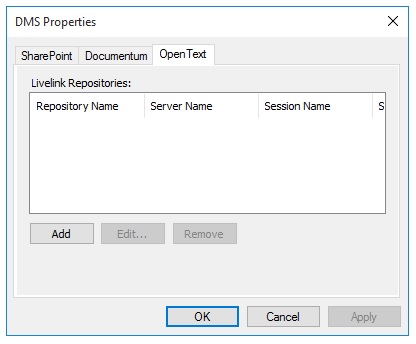
To add or modify OpenText Content Server DMS properties:
-
In
SmartLink for Word, open the DMS Properties
OpenText tab.
-
Use the buttons to add, edit, or remove your OpenText Content Server repositories.
- Add - Add a repository
- Edit - Modify repository properties
- Remove - Delete a selected repository
-
Add or modify the following properties in the
Repository Properties dialog:
- Repository Name
- Server Name
- Session Name
- Server Port
- Web Application
-
Click
OK.
-
On the
DMS Repositories dialog box, click
Apply.