You can modify a timeline/event plan from the
Data Administration page.
To modify an existing timeline/event plan:
-
In
Calyx RIM, click .
-
On the Data Administration page, under Event Maintenance, click
Timeline/Event Plan Values.
-
On the
Timeline/Event Plan main page, click the link for the timeline/event plan that you want to modify.
-
Click the
Edit icon to modify the timeline/event plan.
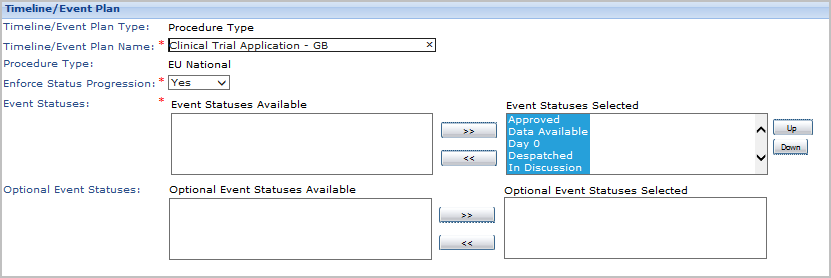
The initial fields for modifying a timeline/event plan are displayed.
-
On the
Timeline/Event Plan page, do one of the following:
- Enter your changes to the timeline/event plan attributes and click
Save.
- To add this timeline/event plan to these drop-down lists and selection boxes, click
Activate.
- To hide this timeline/event plan from the drop-down lists and selection boxes where you would be selecting an timeline/event plan value, click
Deactivate.
-
You are returned to the
Timeline/Event Plan Attributes page.