View Timeline/Event Plans
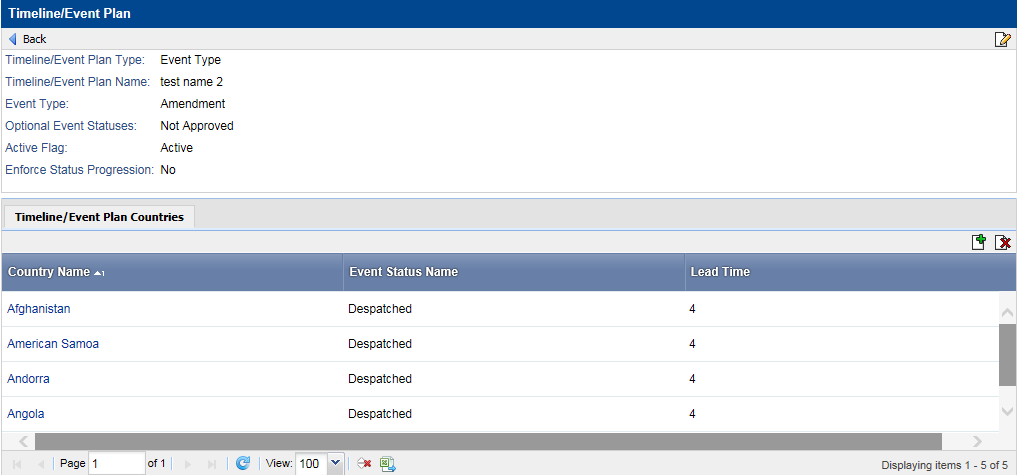
You can view a timeline/event plan, as well as perform changes to a timeline/event plan and the lead time for timeline/event plan countries, in Data Administration.
To view a timeline/event plan:
-
On the
Timeline/Event Plan view page, do any of the following:
- To modify the timeline/event plan attributes, click the Edit icon.
- To modify the lead time for a country event status, click the appropriate country link.
If there are multiple Event-Country Statuses with the same actual date, then the following business logic determines the displayed current status:
- If the statuses have different last modified dates, the status with the most recent modified date is the current status.
- If the statuses have the same last modified date, the last status in the status order is the current status.